
01 — Section
What is QR dine-in ordering?
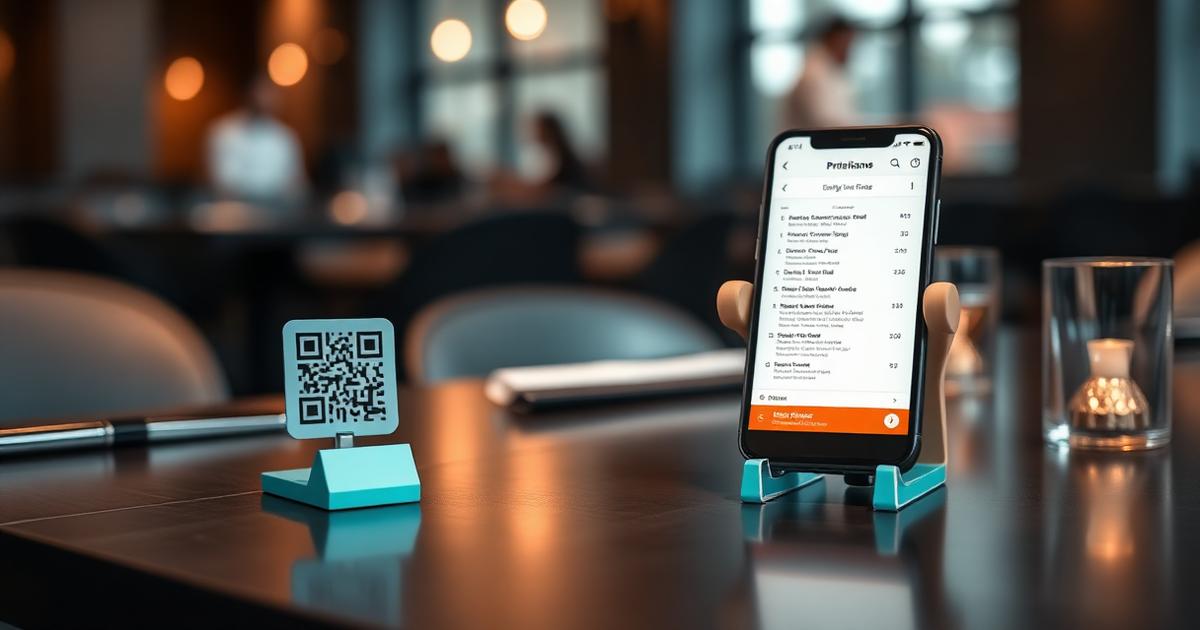
A QR dine-in ordering system replaces a laminated paper menu and a server taking notes with software. Guests scan a code fixed to their table, browse a live digital menu, and send their order straight to the kitchen — without flagging anyone down.
02 — Section
How ordering works
- The restaurant prints a unique QR code for each table, linking to its menu.
- Guests scan, browse categories and photos, and place an order — no login required.
- The kitchen sees the ticket the moment it's placed, prepares it, and marks it done.
- Guests can keep adding items throughout the meal; the counter settles the full bill at the end.
03 — Section
Why restaurants switch
Faster tickets to the kitchen
Orders hit the kitchen display the instant they're placed — no relay through a server.
Guests order at their own pace
No waiting to catch someone's eye; guests add items whenever they're ready.
Fewer mistakes
Orders are typed by the guest, not scribbled on a pad and re-keyed at the counter.
Menus update instantly
86 a dish or change a price and every table sees it immediately — no reprinting menus.
04 — Section
Who it fits (and who it doesn't)
TableTap is built for premium, table-service restaurants — fine dining rooms, casual dining spots, cafes and bars. It's not built for pure takeaway counters or delivery-only kitchens; those need different tooling.
05 — Section
Rolling it out in a week
- Day 1 — build the digital menu: categories, dishes, prices, photos.
- Day 2 — print and place a QR code on every table.
- Day 3-5 — the floor team works both channels (in-person + QR) until guests settle into scanning.
- Day 6-7 — brief the kitchen on the live ticket display; monitor order times.